
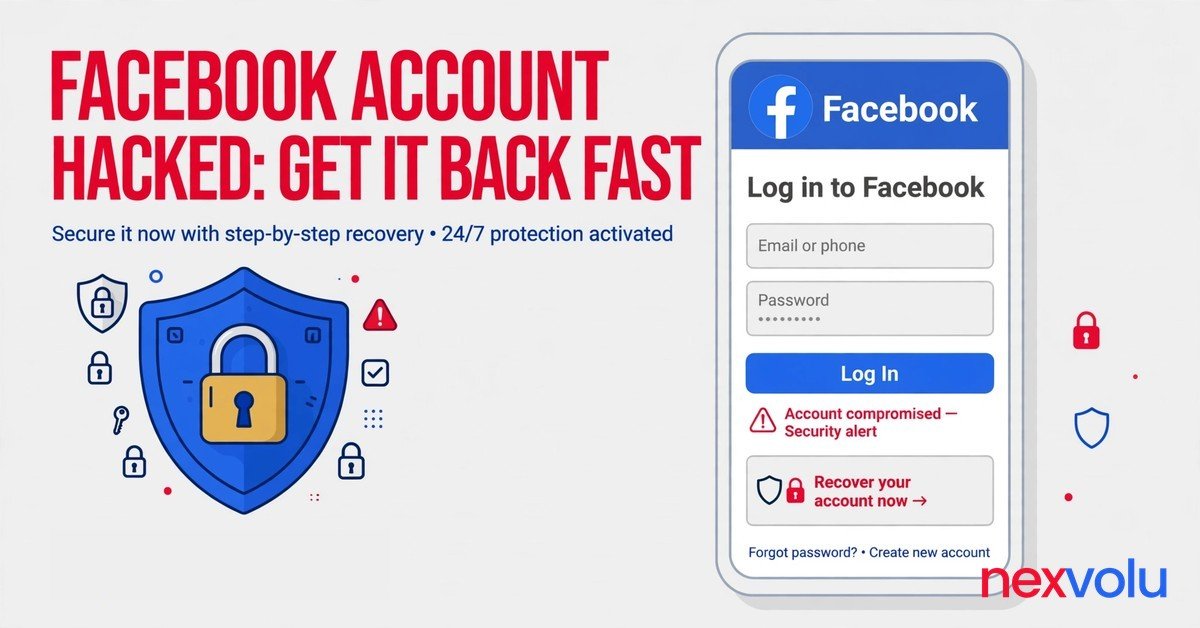
Go to facebook.com/hacked right now, on a phone or computer you used for Facebook before, and follow the steps there. That is the moment people type Facebook account hacked into a search box, and the page is the official route back in. Do that first, then come back here for the parts the official flow skips.
This guide covers Facebook and Instagram together because attackers treat them as one target. Both live under Meta and share the same Accounts Center, and the same stolen email unlocks both. A guide that fixes Facebook and leaves Instagram open hands the attacker a second front door. Your inbox decides who receives every reset code, which makes it the real account behind the account.
Recovery takes minutes when a code still reaches you. Identity checks take days. A few cases take weeks, and nobody can promise you a date.
Speed and order matter more than anything else right now. It covers a Facebook account hacked in either situation, locked out or still signed in.
Facebook account hacked: the first 10 minutes
Speed beats everything in the first hour. An attacker who just took over an account usually moves fast. Messages go out to friends. The email changes.
The password changes. Every minute you spend reading about the problem is a minute the attacker spends using your name.
- Open facebook.com/hacked on a device you used for Facebook before, on your normal home internet, and type the address yourself.
- If Facebook still opens on any device, leave it signed in, because that live session may hold your only way back in.
- Open your email inbox and look for Facebook messages about a password change or an email change. The email change notice carries a link that can undo the change.
- Change your email password if you reuse passwords or clicked any odd link in the last few days, then sign out of every other session in that email account.
- Warn one or two close contacts by phone call or text, and ask them to tell mutual friends that messages from your account are fake until you say otherwise.
- Check your bank or card app for charges you do not recognize, freeze the card if anything looks wrong, and report money loss at ReportFraud.ftc.gov.
That list takes about 10 minutes. The attacker counts on panic and delay, and the panic fades once you start clicking. Take screenshots of anything odd you see. Facebook may ask what changed, and your memory of it will blur by tomorrow.
Facebook account hacked: still signed in? Kick them out now
A live session changes the whole job. You do not need to prove who you are to Facebook, because Facebook already believes you on that device. The job becomes eviction.
Change the locks. Throw out the intruder’s sessions. Remove anything they added.
Open Accounts Center > Password and security > Change password. Pick a password you never used anywhere else. Make it long and random, and store it in a password manager instead of your memory.
A password manager remembers a 20 character string without breaking a sweat. If you reuse the old password on other sites, change it there too, starting with your email.
Then open Where you are logged in, in the same section. The list shows devices and places. Log out of every session you do not recognize. When in doubt, log out of all of them and sign back in on your own devices.
It takes two minutes and it ends the intruder’s access on the spot. A new password alone leaves stolen sessions alive, because a session cookie keeps working after a password change.
Then check the contact details on the account. Look at every email address and phone number listed, and delete any you do not recognize. Attackers add their own email so they can reset the password again whenever they like.
Then look at the apps and Pages connected to the account, and remove any app you do not know. If a Business account or ad account shows charges, pause it. Then call your bank.
Finally, turn on two-factor authentication with an authenticator app. SMS codes beat nothing. An app code beats SMS, because a stolen phone number can receive texts meant for you. Save the backup codes somewhere safe the moment Facebook shows them.
Facebook account hacked: how to recover access when locked out
Losing the login feels worse than it is. Facebook built its recovery flow for exactly this case, including the case where the attacker changed your email and phone number. The flow works best on a familiar device. Use the phone or computer you normally use for Facebook, on your usual internet connection, and switch off any VPN.
Open facebook.com/hacked and pick the option that says your account is compromised or that someone else has access to it. The page asks you to find your account. Enter the email address, phone number, name, or username you used before the hack, even details the attacker already removed. Facebook can still match old details to the account.
Then Facebook offers a way to verify you. The options depend on what you still control. If a code can still reach your email or phone, take that option and move fast, because codes expire. If the attacker changed both, pick the option that says you no longer have access to these.
Facebook may then ask for a photo ID or a short video selfie. You record a clip turning your head so a reviewer can compare it with your profile photos. Instructions after an identity check typically arrive within 1 to 2 business days, though the review itself can take longer.
Facebook account hacked: the old route is gone
One old route no longer exists, so ignore any guide that points to it. Facebook retired Trusted Contacts, the feature that let friends vouch for you. If a video or blog still lists it as the main fix, that advice is out of date. Following it wastes the hour you need.
Meta said in December 2025 that new account hacks fell by more than 30 percent globally over the past year. The relative success rate of hacked account recovery rose by more than 30 percent in the US and Canada. That is a relative rate, not a promise. Meta publishes no absolute rate.
Your case turns on what the attacker changed and what proof you can still offer. The fastest cases, where a code still reaches you, take minutes. Reviews commonly take one to three days.
Facebook account hacked: check the forwarding rules
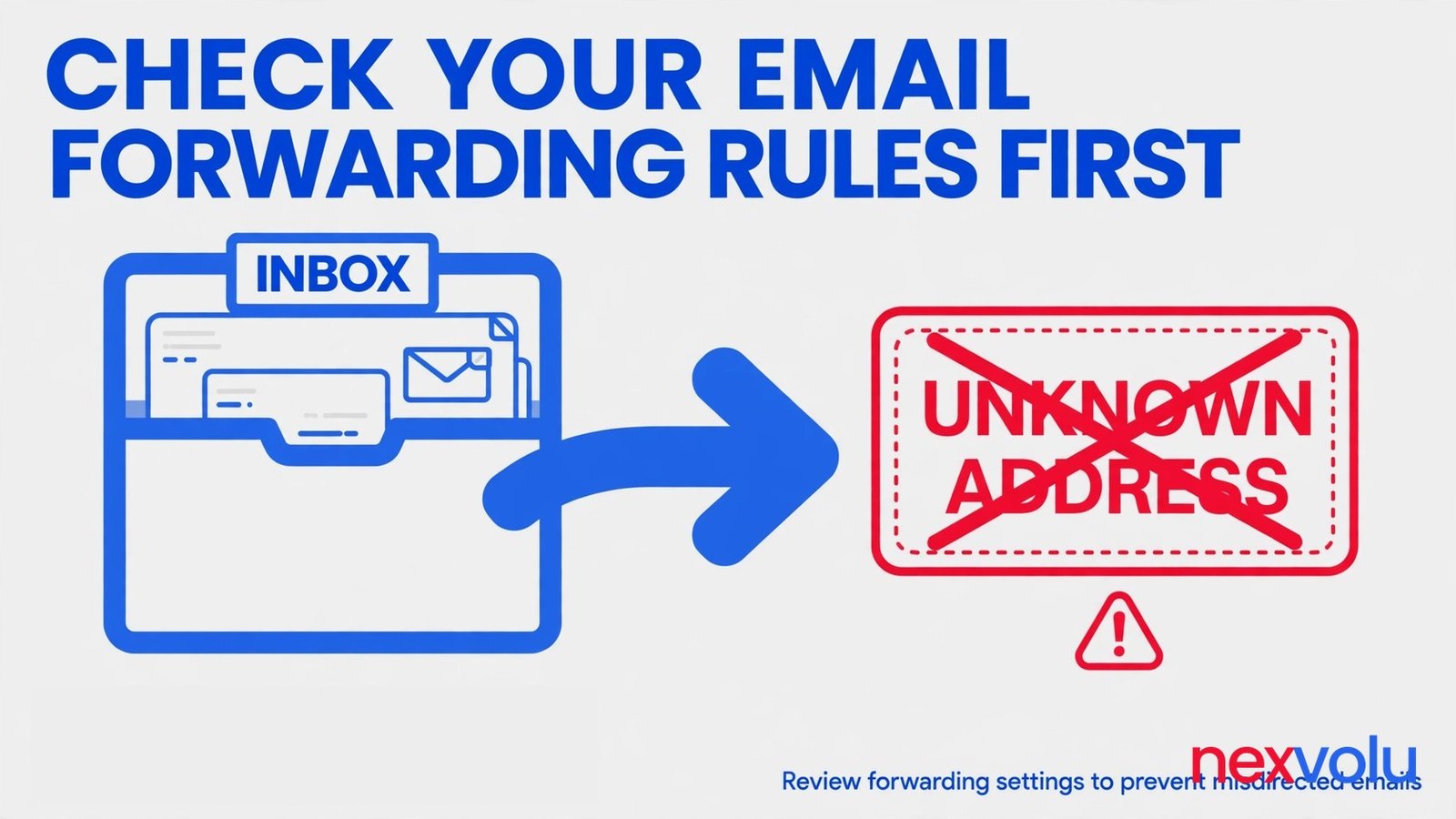
Here is the detail that separates a recovery that holds from one that falls apart a week later. Attackers who get into your inbox often add a forwarding rule. The rule copies your incoming mail to an address they control. Or it moves reset emails straight to trash before you ever see them.
You change your Facebook password, you feel safe, and the attacker keeps reading every reset code Facebook sends you. A password change does not remove a forwarding rule. Only deleting the rule does.
Check it now, before you request another Facebook reset. In Gmail, open Settings, then See all settings, then the Forwarding tab. Look for any forwarding address you did not add. Then open the Filters tab and look for filters that skip the inbox or forward mail from Facebook, Instagram, or your bank.
For Outlook, check Settings, then Mail, then Forwarding, then Rules. In Yahoo Mail, check Settings, then More Settings, then Mailboxes, then Forwarding. The menu names differ, but every major provider has a forwarding setting, and the attacker only needs one of them.
While you are in the email settings, check the recovery details on the inbox itself. Look at the recovery email and recovery phone number, and delete any you do not recognize. Sign out of sessions you do not know.
Then secure the inbox the same way you secured Facebook. New password, unique to the email account. Two-factor authentication on, with an authenticator app if the provider offers it. Then check the forwarding rules again a week later.
Attackers who kept a way in sometimes re-add the rule after the first cleanup. A second check costs a minute and it catches exactly that.
Instagram fell too? Recover it in the same sitting
Facebook and Instagram share one owner and one Accounts Center, and often one email. An attacker who took your Facebook account has probably tried Instagram already. Many people discover the second hack days later, from a friend asking about a crypto post. Check Instagram now, while you still have the momentum and the screenshots habit.
Start at instagram.com/hacked. The flow mirrors Facebook. Pick the option that fits, which is usually that someone else has access to the account or that you cannot reach the email or phone number on it. Give Instagram a new email address you control and follow the identity check it sends there.
Instagram may ask for a video selfie, the same kind of short clip Facebook uses, and a reviewer compares it with your photos. That check can take up to two business days.
If the attacker changed the Instagram email, look for the warning message Instagram sent to your original address. It comes from security@mail.instagram.com and it may carry an option to reverse the change. Use the link inside that message only if you opened the message yourself from your own inbox.
Facebook account hacked: evict the intruder from Instagram
Once you get back in, run the same eviction you ran on Facebook. Change the password to something unique. Open Accounts Center > Password and security, then look at Where you are logged in. Sign out of devices you do not know.
Check the email address and phone number on the Instagram account and remove any that are not yours. Then check linked accounts and connected apps, and remove anything suspicious. An attacker who linked a fresh page or app to your Instagram keeps a back door even after a password change.
Instagram also has a check most people never open. It sits in Accounts Center > Password and security > Recent emails. It lists the account security emails Instagram sent in the last 14 days. Compare that list with your inbox.
The reversal email that can undo the whole attack
Both Facebook and Instagram send a warning to your old email address when someone changes the email on the account. That message is the fastest way back in. Most people miss it.
It lands in spam, or a forwarding rule hides it, or panic deletes it. Search your inbox now for the exact phrase “email address was changed” and check spam and trash too.
On Facebook, the message includes a link to reverse the change and secure the account. Clicking it can restore your old email as the contact on the account, which restores the reset codes with it. On Instagram, the message from security@mail.instagram.com may offer a Secure my account option that does the same thing.
If the link expired, fall back to the hacked account flow and identity verification. Forwarding it to a friend for help hands them a live undo link. Posting a screenshot of it hands the internet the same thing.
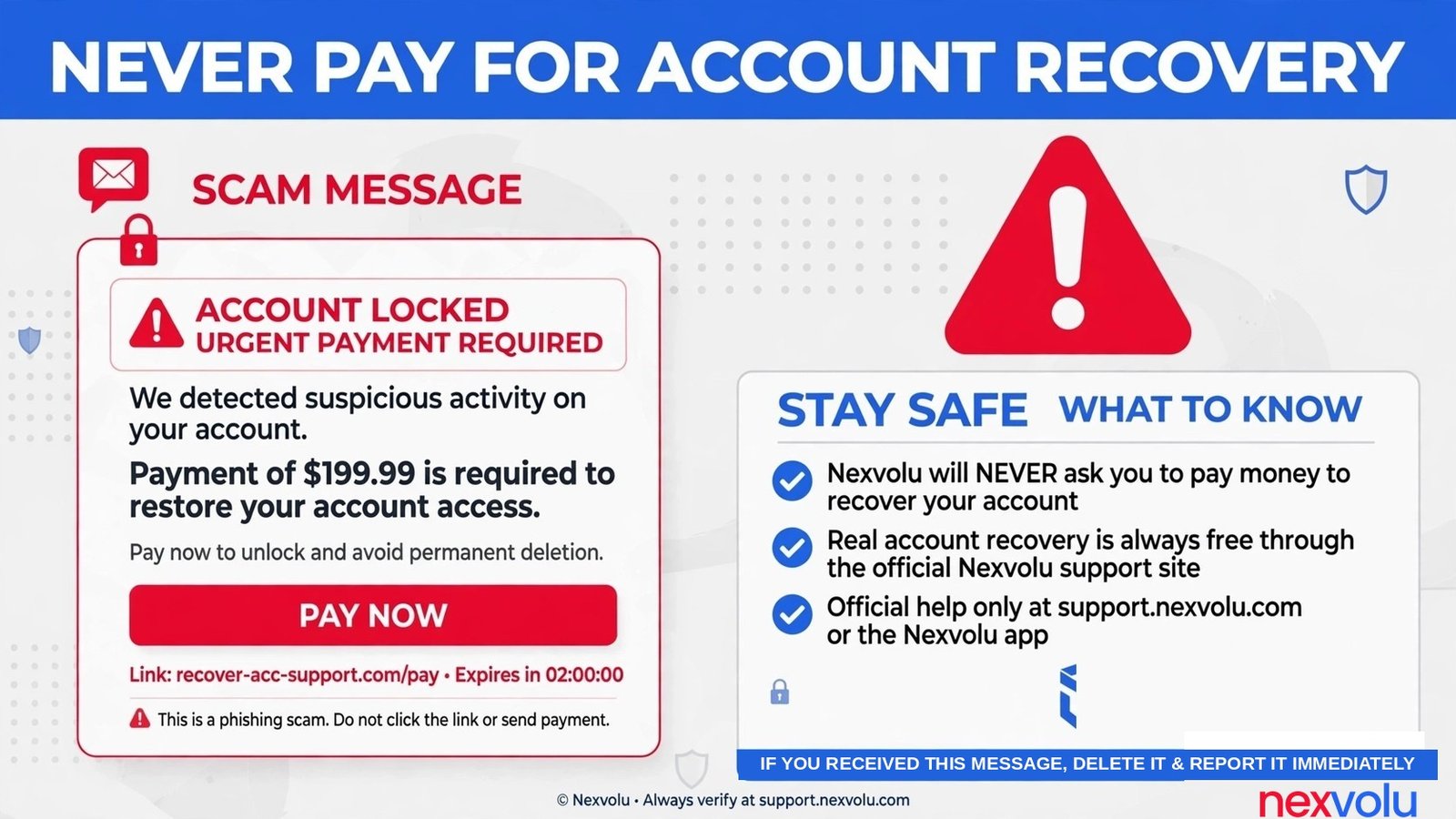
Never pay anyone who offers to recover your account
Within hours of a hack, the offers arrive. Comments on your posts. DMs from fresh profiles. Replies to your cry for help.
Sometimes a phone call. The scammers call themselves recovery experts, ethical hackers, or Meta support agents. They charge a fee, often upfront. They ask for your password, a login code, or a photo of your ID.
Every one of them is a scam.
The company does not charge for account recovery, and its representatives never ask for your password or your login codes. Meta has no general public phone number for customer service, so any number that claims to be Meta support is fake. Meta has said it acted against more than 21,000 Pages and accounts that pretended to offer customer support.
The rule is simple and it has no exceptions. Pay nobody. Send codes to nobody. Send ID photos to nobody except inside the official recovery flow you opened yourself at facebook.com/hacked or instagram.com/hacked.
A real recovery never happens through a DM, a WhatsApp chat, a Telegram group, or a comment thread. If you already paid someone, call your bank at once and report the payment as fraud, then report the profile to Facebook. Money sent to a recovery scammer almost never comes back, so the cheapest lesson is the one you read before you pay.
Facebook account hacked: lock it down so it stays yours
Recovery without hardening is a loop. Attackers keep lists of accounts that worked once, and they try again after a month, after a password reset, after a new phone.
First, give every important account its own password. Start with your email. Then do Facebook. Then Instagram.
Next, do your bank. A password manager generates the passwords and fills them in, which removes the only real excuse for reuse. Pick one with a strong master password and two-factor authentication on the manager itself, because the manager now guards everything.
Second, move two-factor authentication to an authenticator app on Facebook and Instagram and your email. SMS codes travel through your phone number, and a phone number can change hands through a SIM swap. An app code lives on your device and never crosses the phone network.
Third, turn on login alerts. Open Accounts Center > Password and security and switch on alerts for unrecognized logins. Facebook will tell you when a new device signs in, which gives you the 10 minute warning you did not have the first time. Check the alert the moment it arrives.
Fourth, clean up the edges. Remove old apps connected to Facebook and Instagram. Delete phone numbers you no longer use from both accounts. Check the birthday and name on the profile once more.
Fifth, check the device the hack came through. The FTC puts a security scan first in its own recovery advice. Update your security software and run a full scan. Delete anything suspicious, then restart the computer before you type a new password into it.
When recovery stalls
Some accounts come back in minutes. Some sit in review for days. A few sit for weeks while Facebook checks the proof. Waiting without a plan feels awful, so here is the plan.
Check the contact email you gave Facebook every day, including spam. Replies and follow-up questions land there, and a missed question can stall a case. If Facebook asks for more proof, answer with exactly what it asked for and nothing extra.
Do not open a second recovery case while the first is still open. Do not pay a service that promises to speed it up, because no service can.
Meta added a centralized support hub inside the Facebook and Instagram apps in December 2025. It has been rolling out a Meta AI support assistant for account problems since March 2026, starting with login help in select cases in the US and Canada. The hub helps when you can still open the app, but not when you are fully locked out.
Questions people ask after a hack
Can the attacker see my private messages? If they held the account, assume yes. Change passwords for any account you discussed in those messages. Start with banking and email.
How long does recovery take? A code that still reaches you takes minutes. An identity review commonly takes one to three days. Some cases take weeks, and Facebook publishes no fixed timeline, so treat any date a stranger gives you as fiction.
Will Facebook email me about the hack? Facebook sends security mail to the email on the account, and a change notice to the old address. It does not handle account security through direct messages, so a DM about your account is fake no matter how official the profile looks.
Do I need to delete the account and start over? Deleting the account is the last resort, not the first move. Recovery keeps what you built. Try every official route first.
Check your forwarding rules tonight, even if your Facebook account looks fine. That one check costs two minutes.
Related reading
- How to Spot a Phishing Email
- Are Password Managers Safe?
- Lost Authenticator App? How to Recover Your Accounts
- Where to Store 2FA Backup Codes
Sources
- Facebook Help Center, What to do if your Facebook account has been hacked
- Federal Trade Commission, How To Recover Your Hacked Email or Social Media Account
- Meta Newsroom, Making it Easier to Access Account Support on Facebook and Instagram, 4 Dec 2025
- Instagram Help Center, hacked account recovery
- Federal Trade Commission, What To Do if You Were Scammed
Sobia Aslam writes about cybersecurity and digital privacy at nexvolu.com, where she covers account security and the scams that target it.