
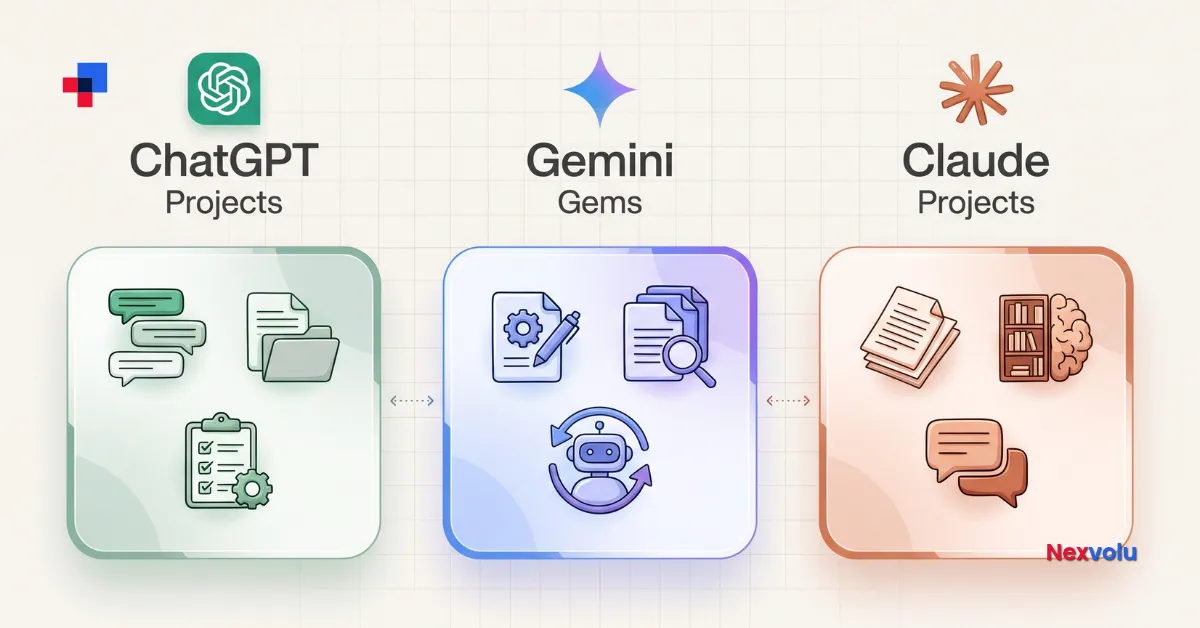
The ChatGPT Projects vs Gemini Gems comparison becomes clearer once you add Claude Projects to the mix. ChatGPT and Claude offer project workspaces for ongoing work, while Gemini Gems provide customised assistants for repeatable tasks.
Each feature reuses instructions and supporting files, but they organise work differently. Moreover, Google is transitioning Gems to skills, while OpenAI plans to retire Custom GPTs, a separate feature from ChatGPT Projects. Neither ChatGPT Projects nor Claude Projects is part of that retirement.
This guide compares the features and explains what to do with an existing Gem or Custom GPT. It draws on provider documentation checked on November 5, 2026; it does not claim hands-on testing.
Table of Contents
- The 10-second answer
- What each feature actually does
- The 2026 changes: Custom GPTs and Gemini Gems
- ChatGPT Projects vs Gemini and Claude: comparison table
- Limitations to consider
- Which should you use?
- How to set up and test your workflow
- Already built a Custom GPT or a Gem?
- Frequently asked questions
- The bottom line
The 10-second answer
Start with the AI suite you already use. For ongoing work, ChatGPT Projects bring related chats, files, instructions, and project sharing together. In Gemini, start new workflows with skills rather than Gems because Google is transitioning Gems to skills. Meanwhile, Claude Projects suit focused work that needs its own knowledge base, although only Team and Enterprise plans offer project sharing. All three support reusable instructions and reference files; however, their conversations, collaboration, and project knowledge work differently.
ChatGPT Projects vs Gemini: what each feature actually does
ChatGPT Projects (not the same as Custom GPTs)
A ChatGPT Project keeps related chats, files, and instructions together for an ongoing task. According to OpenAI’s Projects documentation, project instructions override global custom instructions. You can also add supported Google Drive and Slack links. However, availability and limits depend on your plan.
One important distinction: Projects are not Custom GPTs. A Custom GPT is a separate, shareable assistant. OpenAI’s planned GPT retirement does not retire Projects.
Gemini Gems (now becoming skills)
A Gem is a customised version of Gemini. For example, you can save instructions for a repeatable task and add reference files. Create and edit Gems on the web, then use them on web or mobile.
Google explains its transition from Gems to skills: skills are reusable instructions you can invoke with / (soon @) in a Gemini chat. Gemini can also apply relevant skills automatically and combine them in a chat. However, availability depends on account type.
Claude Projects
A Claude Project is a workspace with its own chat history, instructions, and knowledge base. Anthropic’s Projects guide says free users can create up to five projects. On paid plans, retrieval-augmented generation (RAG) can automatically expand project knowledge capacity. In addition, Anthropic is rolling out a redesigned version in stages, starting with selected Claude Code users.
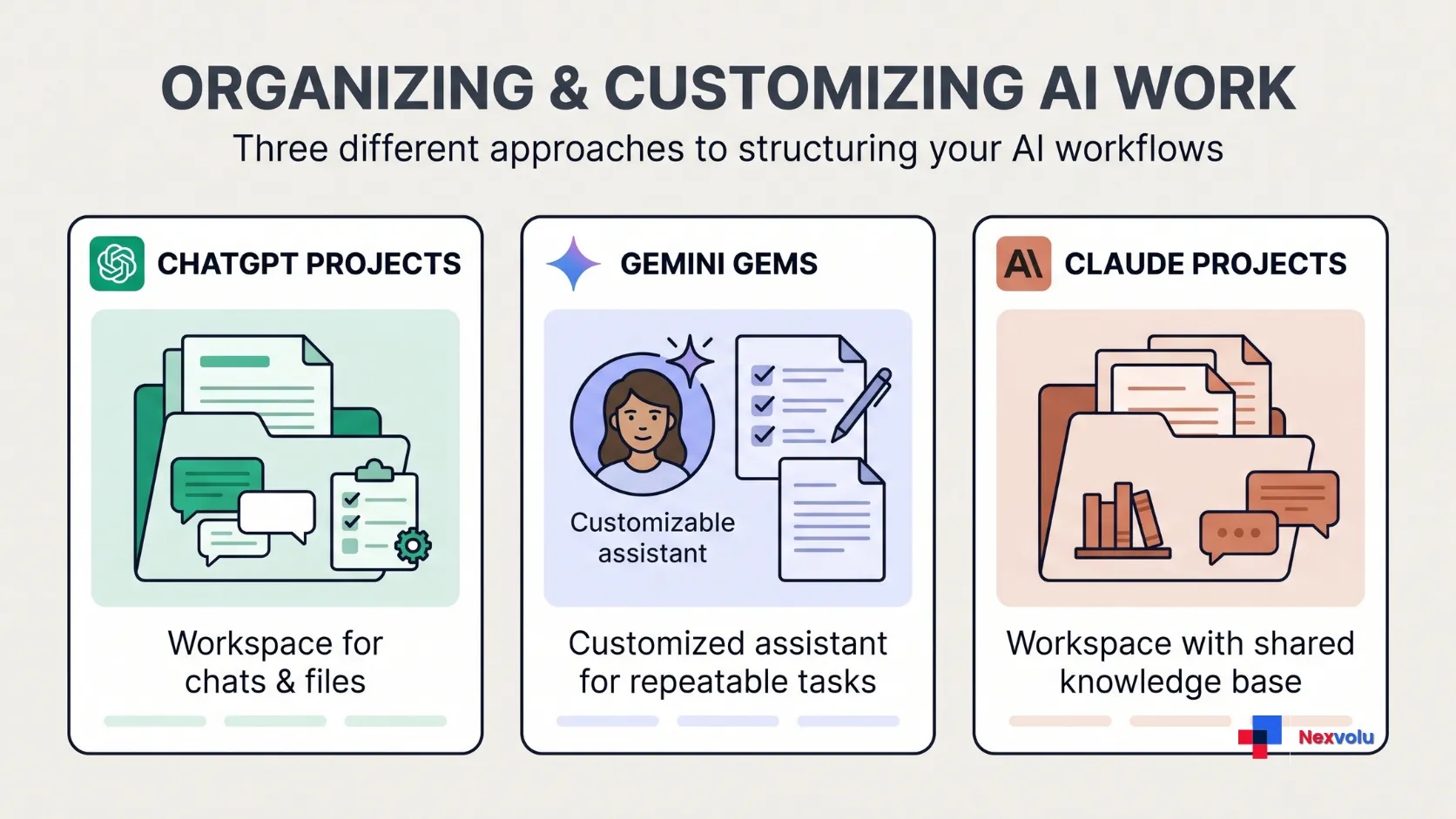
Optional image placement: Insert the second image from Part G here, after the Claude Projects subsection and immediately before the next heading. Use its prepared caption and alt text. Remove this note from the published article.
The 2026 changes: Custom GPTs and Gemini Gems
When comparing ChatGPT Projects vs Gemini, distinguish the actual features: OpenAI’s Custom GPT retirement concerns a separate product, whereas Google’s transition affects Gems directly.
OpenAI’s Custom GPT retirement
OpenAI plans to retire Custom GPTs and help creators migrate to plugins; its migration FAQ explains the timelines. ChatGPT Projects remain available.
For personal accounts and affected Enterprise workspaces, new GPT creation has ended, with exceptions. Existing GPTs generally retire on December 11, 2026; FedRAMP and approved Enterprise deferrals have a February 11, 2027 date. Therefore, check your account notice. After migration, a GPT becomes read-only but remains usable until its applicable retirement date.
Google’s Gemini Gems transition
Google plans to transition Gems to skills. For personal accounts, Gems become read-only on November 17, 2026, and Google removes them on December 17, 2026. Work accounts follow in March 2027 and education accounts in June 2027. Although Google says it will recreate Gems as skills automatically, some files may not transfer; skills have a 100 MB total file-size limit and exclude certain formats.
Anthropic’s Claude Projects rollout
Anthropic is not retiring Projects. Instead, it is rolling out a redesigned version in stages, starting with Claude Code. Selected Pro, Max, and Ultra subscribers have beta access; according to Anthropic, migrations preserve instructions, files, chat history, and scheduled tasks.
Timeline table
What’s changing and when (verified against vendor help centers, Nov 5, 2026)
| Feature | Status | Key dates |
|---|---|---|
| ChatGPT Projects | Continuing; separate from Custom GPTs | No retirement announced |
| ChatGPT Custom GPTs | Being retired, migrating to plugins | Standard retirement Dec 11, 2026; new creation already off for personal accounts |
| Gemini Gems | Transitioning to skills | Personal accounts: read-only Nov 17, 2026; removed Dec 17, 2026. Work/school: 2027 |
| Claude Projects | Continuing; redesigned version in beta | New version rolling out from Claude Code on paid plans |
ChatGPT Projects vs Gemini and Claude: comparison table
The ChatGPT Projects vs Gemini comparison changes once you include Claude: all three help users reuse instructions and supporting information, but they are built differently. Specifically, ChatGPT and Claude Projects organise related chats and project knowledge. Gemini Gems, by contrast, are customised assistants that Google is transitioning to skills. The main differences involve context management, collaboration, and reusable workflows.
ChatGPT Projects vs Gemini: core features
ChatGPT Projects vs Gemini Gems vs Claude Projects (from official documentation, Nov 5, 2026)
| What matters | ChatGPT Projects | Gemini Gems (→ skills) | Claude Projects |
|---|---|---|---|
| Core idea | A workspace that keeps related chats, files, and instructions together for ongoing work | Customised Gemini for a repeatable task; becoming “skills” you call inside any chat | Self-contained workspace with its own chat history and knowledge base |
| Who can use it | Free, Go, Plus, Pro, Business, Enterprise, Edu | Personal Google accounts and Workspace accounts (moving to skills by account type) | All users, including free (free: up to 5 projects) |
| Custom instructions | Project instructions override your global custom instructions | Detailed saved instructions per Gem or skill | Per-project instructions |
Limits and sharing
| What matters | ChatGPT Projects | Gemini Gems (→ skills) | Claude Projects |
|---|---|---|---|
| File / knowledge limits | Free 5, Go/Plus 25, Edu/Pro/Business/Enterprise 40 files per project | File uploads supported; skills have a 100 MB total file-size limit, with some unsupported file types. | Upload documents; paid plans auto-scale with retrieval (RAG) for large knowledge |
| Sharing / collaboration | Yes. Free: up to 5 collaborators; Go and Plus: up to 10; Pro: up to 100. Business, Enterprise, and Edu projects support up to 100, subject to workspace settings. | Sharing is planned for skills, but the full sharing functionality is not yet available. | Project sharing is available on Team and Enterprise plans only. |
| Outside sources | Google Drive and Slack links as project sources, plus connected apps. However, Drive content is not automatically synced in advance for project retrieval. | File uploads; Google Drive and Gemini Notebook support coming to skills. | Uploaded files and, in the new version, repositories and a project Library. |
| Future direction | Continuing; separate from the Custom GPT retirement. | Being replaced by skills (invoke with /, soon @; stackable; auto-applied) | Continuing; redesigned “one conversation, parallel threads” version in beta |
ChatGPT Projects vs Gemini: limitations to consider
Projects and Custom GPTs are easy to confuse, although only the latter face retirement. Also, you cannot move a chat created with a GPT into a Project. In addition, shared projects use project-only memory, so they do not access a member’s outside memories.
Gemini Gems: transition and feature gaps
Google plans to replace Gems with skills. Therefore, check whether important files will transfer before investing in a new Gem. Google also notes that skills do not yet work with some features, including Canvas and Deep Research.
Claude Projects: sharing and availability
Claude limits project sharing to Team and Enterprise plans. Moreover, Anthropic is rolling out the redesigned version in beta, so availability varies by account.
ChatGPT Projects vs Gemini: which should you use?
For ChatGPT Projects vs Gemini, start with the tools and accounts you already use. Also consider Claude if a dedicated knowledge base or your team’s existing subscription makes it a better fit.
- ChatGPT users: Use Projects. They provide a shared workspace for ongoing chats, files, and instructions, with project-sharing options available across consumer and work plans. Collaborator limits and workspace controls vary by subscription. Don’t build new workflows around Custom GPTs; OpenAI plans to retire that feature.
- Google ecosystem users (Gmail, Docs, Gemini): Build in skills, not Gems. Skills are the forward-compatible version, they’re already available to adult personal accounts, and they work inside any chat without switching tabs.
- Claude or Claude Code users: Use Claude Projects. They’re a good choice when you want a dedicated project knowledge base with its own files, instructions, and chat history. Project sharing is available on Team and Enterprise plans.
- Users of multiple tools: Favor the tool where your files and collaborators live, because access to the right resources often matters more than the model itself.
Across all three, your account type affects who can see content and whether the provider may use it to improve models. Therefore, if a task involves work data, confirm your account type and your employer’s policy first. Our guide on using AI at work and the difference between consumer and enterprise accounts walks through exactly what changes when you switch from a personal login to a company-managed one.
How to set up and test your workflow
The ChatGPT Projects vs Gemini decision becomes clearer when you test the same task in the tools you can access. These suggested steps do not represent a report of hands-on testing.
1. Choose a task and safe files
Pick a repeatable task, such as drafting a brief or summarising meeting notes. Next, define the output and gather a few representative files. Before uploading, check your employer’s rules and each provider’s data settings; do not upload sensitive information without approval.
2. ChatGPT Projects vs Gemini: compare your test results
Create a ChatGPT or Claude project, or a Gemini skill if your account supports it. Then add instructions for the audience, tone, format, and boundaries. For example: “Use the supplied material, flag missing information, and present a concise summary.”
Next, run the same prompt in each available tool. Check whether the response follows instructions, uses the right references, and identifies uncertainty. Importantly, verify claims against the original files; a knowledge base does not guarantee accuracy.
3. Check sharing and maintain the setup
Before inviting colleagues, confirm who can see conversations, instructions, and files. Then assign someone to update shared instructions and remove outdated material. Finally, repeat your test after a significant product or policy change.
Already built a Custom GPT or a Gem? Do this now
If you invested time in a Custom GPT or a Gem, you have a short window to protect that work.
ChatGPT Projects vs Gemini: migrate a Custom GPT
When migration is available for your account, open My GPTs and choose Migrate to plugin. The GPT’s instructions become a skill inside the new plugin, and the migration copies its knowledge files. However, the selected model and custom actions do not transfer automatically. Because migration uses the latest published version, finish essential edits first. Then test the plugin with familiar prompts before relying on it. Existing conversations stay accessible after retirement.
ChatGPT Projects vs Gemini: prepare a Gem for the transition
Google says it will recreate Gems as skills automatically. However, skills have a 100 MB total file-size limit and do not support certain file types, including audio, video, GitHub files, legacy Office formats, and archives. Therefore, check which files can transfer and keep copies of important material. For personal accounts, download anything important from your Gems before December 17, 2026. If you’d rather move early, you can recreate a Gem as a skill manually by copying the name, description, and instructions and re-uploading supported files.
Review a Claude Project
You do not need to take immediate action for a Claude Project. Instead, Anthropic is gradually moving selected projects to the new version. If you used a selected project within the previous 30 days, the company says it will email you before the move. According to Anthropic, migration preserves instructions, files, chat history, and scheduled tasks.
Frequently asked questions
Are ChatGPT Projects the same as Custom GPTs?
No. Projects are workspaces for ongoing chats, files, and instructions. By contrast, Custom GPTs are separate, shareable assistants. Projects continue, while OpenAI plans to retire Custom GPTs.
What is replacing Custom GPTs?
OpenAI is moving Custom GPTs to plugins, which bundle reusable instructions, reference files, and connected apps. During migration, a GPT’s instructions become a skill within the new plugin.
Are Gemini Gems going away?
Yes, under that name. Gems are transitioning to skills. For personal Google accounts, Gems become read-only on November 17, 2026; Google removes them on December 17, 2026. Work and school accounts transition in 2027.
Which is best for a shared team knowledge base?
ChatGPT Projects offer the broadest sharing across plans. By contrast, Claude Projects support sharing only on Team and Enterprise plans. For Gemini, sharing is moving to skills.
ChatGPT Projects vs Gemini: can you use them for free?
Yes, within limits. For example, ChatGPT Projects work on Free (5 files per project, up to 5 collaborators). Similarly, Claude Projects are available to free users (up to 5 projects), though retrieval-based large-knowledge scaling is paid-only. Gemini’s skills are available to adult personal accounts.
ChatGPT Projects vs Gemini: what about data use?
For personal ChatGPT accounts, OpenAI may use shared Project data to improve its models only when the project owner and every contributor have the “Improve the model for everyone” setting enabled. OpenAI says content from Business, Enterprise, Edu, and ChatGPT for Healthcare workspaces is not used to train its models by default.
These rules apply specifically to ChatGPT. Gemini and Claude, however, have their own data-use policies and account settings. Therefore, check those separately before uploading sensitive information.
The bottom line
In the ChatGPT Projects vs Gemini decision, start with your task and account rather than assuming the features work alike. ChatGPT Projects and Claude Projects provide dedicated workspaces for ongoing work, while Gemini Gems are customised assistants transitioning to skills. Ultimately, the best choice depends on the ecosystem you already use and how you want to organise your work. Use ChatGPT Projects for shared project work, start new Gemini workflows with skills rather than Gems, and consider Claude Projects when you need a dedicated knowledge base. Finally, avoid investing fresh effort in Custom GPTs or Gems because their current formats are approaching retirement or transition.
Feature details above reflect official OpenAI, Google, and Anthropic documentation as of November 5, 2026. This is a fast-moving area; check each vendor’s current help center before acting on dates.