
To learn how to check if your email was in a data breach, search your address at Have I Been Pwned. The site is free, the search takes about two minutes, and the result names each breach that
holds your address. It also lists the kind of data that went with it, and that second detail decides everything you do next.
An address on a list is a small problem, and a password on the same list is a bigger one. A Social Security number turns a password chore into a longer job with your credit file. This guide runs the check first, then works through each type of leak with the action it needs, in the order that matters.
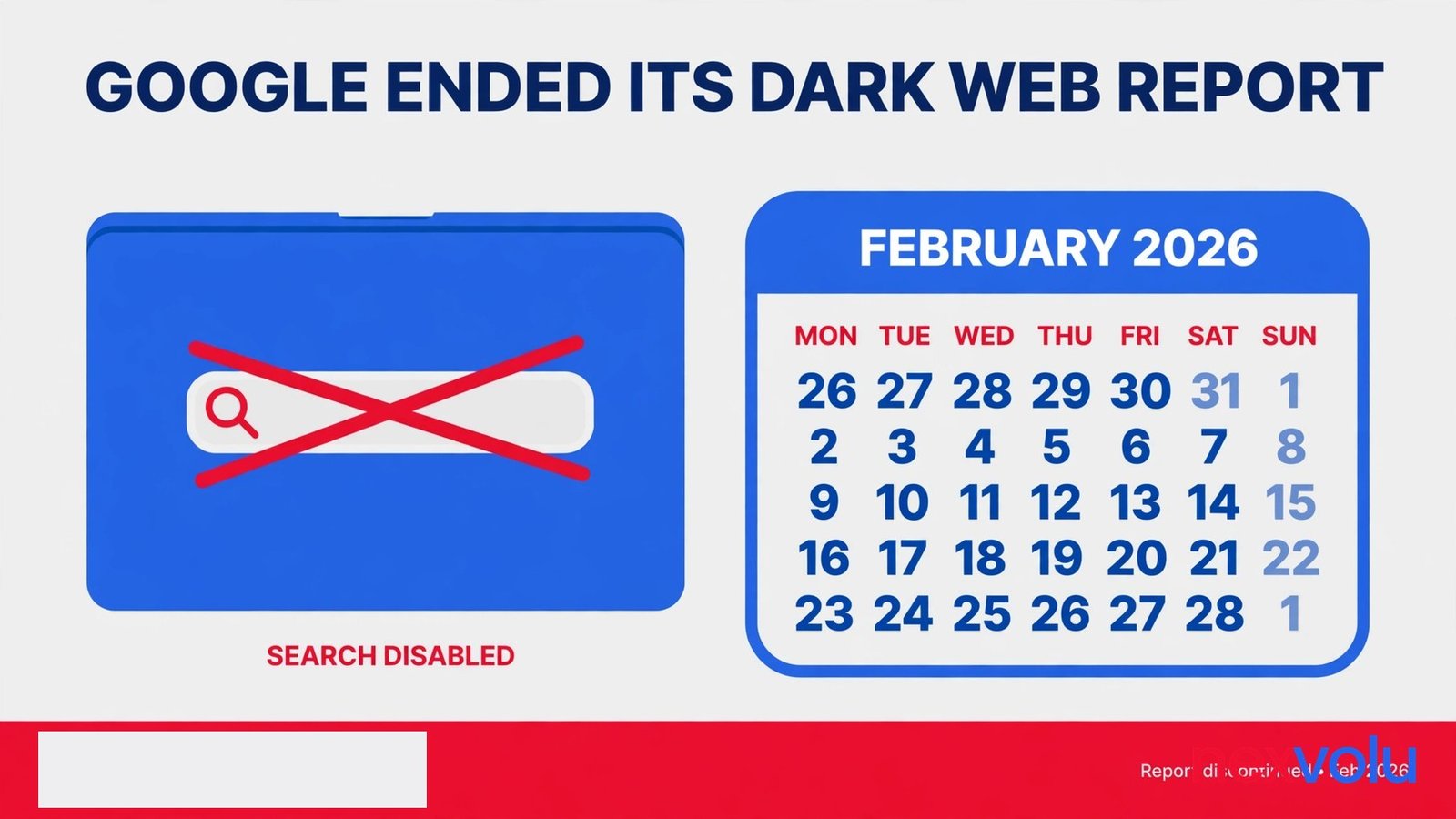
One thing has changed since older guides went up: Google shut down its dark web report in early 2026. Scans for new breaches stopped on January 15, 2026.
The report itself went away on February 16, 2026. Google deleted the data tied to it that day. Any guide that still sends you there is out of date, and this guide uses the tools that still work.
How to check if your email was in a data breach in two minutes
Start with the free lookup at haveibeenpwned.com. Security researcher Troy Hunt built it in December 2013, after the Adobe breach of October 2013 exposed about 153 million accounts and showed how often people reuse one password in many places. The site has grown since then into the largest public index of its kind. Its live count now stands above 1,052 breaches and 17.9 billion pwned addresses.
Follow these steps.
- Type haveibeenpwned.com into your address bar yourself. Do not follow a link in an email or text that claims your account appeared in a breach. Fake breach alerts are a common phishing trick, and fake checker sites exist to harvest the addresses people type in. Typing the address takes five seconds and removes that risk.
- Enter one email address and run the search. The home page is a single search box. You never need to enter a password, and the site says it does not log the addresses people search.
- Read the result. A clean search says “Good news, no pwnage found!” A hit says “Oh no, pwned!” and lists each breach, with the date it happened and the kinds of data it exposed. Click a breach name to see the full detail.
- Repeat the search for every address you use. Most people have more than one. There is the old address from a previous job, a spare address used for signups, and an address tied to a single store. Check each one, because a breach tied to a forgotten address still counts.
- Turn on alerts. On the site, open Notify me, enter your address, and click the verification link it emails you. You will hear about the next breach that includes you instead of finding out years later.
How to check if your email was in a data breach: the limits of the check
The site says plainly that it holds only a small subset of all records that have ever been breached. A clean result is good news about the breaches the site knows, not proof that nothing ever happened.
What a clean result does not prove
Many breaches escape detection. Some companies find a breach and never report it. Some data changes hands privately and never surfaces in public.
Other breaches stay hidden until you prove you own the address. The site classifies about 89 breaches as sensitive, and those results appear only after you verify the address by email. If you use Notify me, those results reach you too.
The index also holds stealer logs. Those come from malware on a computer rather than a hacked company, and they can pair an address with passwords typed on that machine. If your address shows up in one, treat the computer as suspect. Run a full malware scan first, and change passwords from a clean device.
Google shut its dark web report down in early 2026
Google announced the shutdown in December 2025. Its own help page gives two dates. Scans for new dark web breaches stopped on January 15, 2026.
The report became unavailable on February 16, 2026. Google deleted all data tied to it that day.
Google gave one reason. Feedback showed the report told people their data was out there without giving them clear next steps. The company said it would focus on tools that hand you an action instead of a warning.
Its help page now points to Security Checkup and Password Checkup. It also names passkeys and Google Password Manager. A separate tool, Results about you, finds your phone number and home address in search results and helps you ask for removal.
The shutdown leaves a gap in older advice. Plenty of guides written before 2026 still list Google’s dark web report as step one. Readers who follow them land on a dead page, so delete the bookmark and run the email data breach check there instead.
What to use instead of Google and Mozilla tools
Mozilla Monitor changed in a similar way. Its paid tier, Monitor Plus, shut down on December 17, 2025. Mozilla deleted the scan and removal data tied to it.
The free version still runs, and it now watches up to 20 email addresses for breach alerts. It uses the same breach data, so it adds alerts and a dashboard rather than a second database.
Paid dark web monitoring deserves a skeptical look too. Many paid services resell the same public breach data you can search free, then wrap it in a monthly fee. A paid service earns its price only when it does something the free tools cannot, like removing your data from broker sites. A scan alone is not worth paying for.
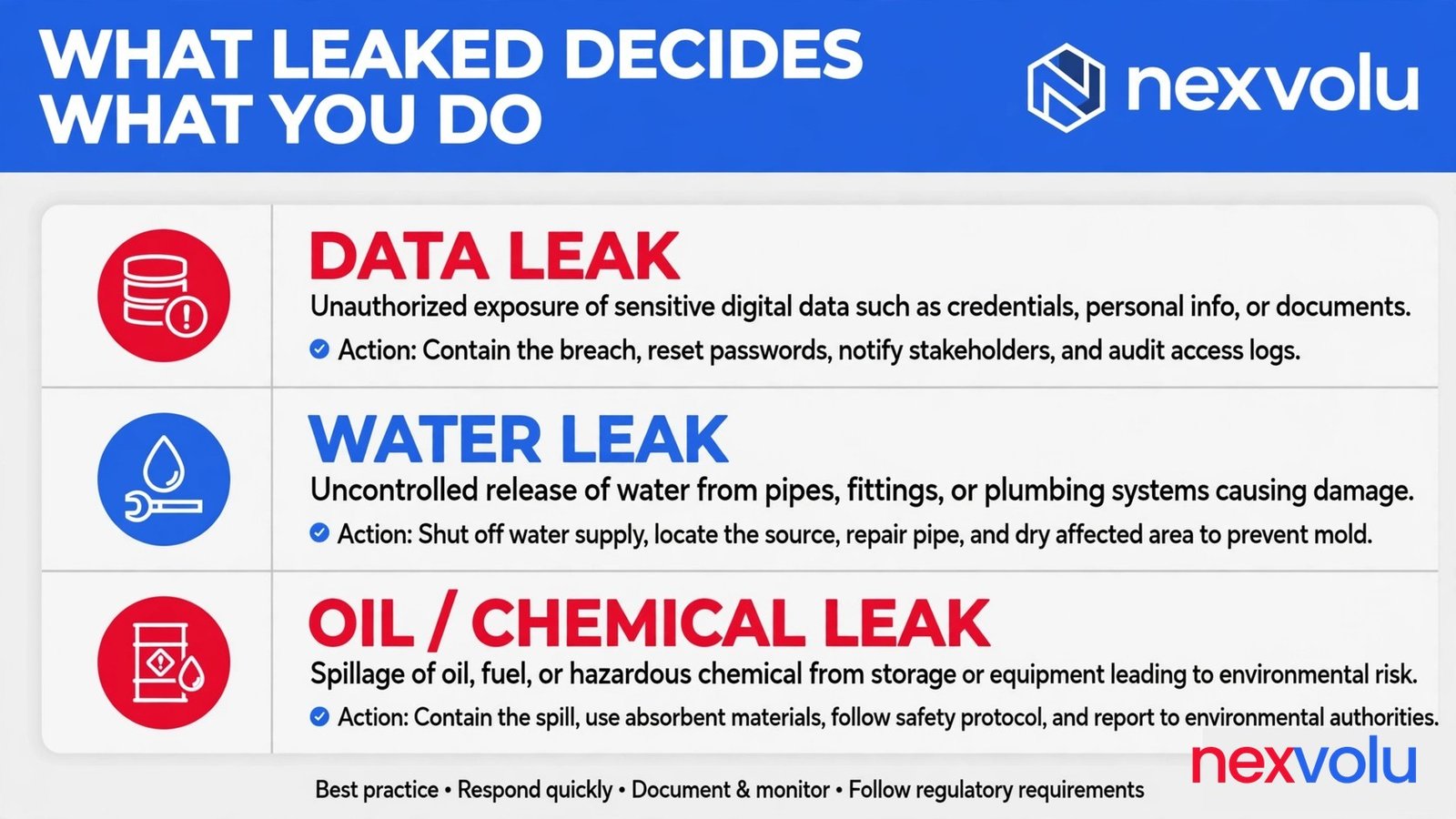
What leaked matters more than where it leaked
Knowing how to check if your email was in a data breach is only half the job. The other half is reading what went with the address.
Two people can appear in the same breach and face different problems. One had only an address in the file. The other used the same password there as on their bank login.
The breach name tells you nothing about that difference. The list of exposed data does.
Read the “compromised data” line on each breach entry first. Then match it to the row below.
What each type of leaked data lets an attacker try
| Data that leaked | What it lets an attacker try | Do this first | How fast |
|---|---|---|---|
| Email address only | Send phishing that names the service you used | Expect targeted phishing and delete suspicious mail without clicking | This week |
| Password | Sign in to that account and try the same password elsewhere | Change it there and everywhere you reused it | Today |
| Phone number | Send scam texts and calls, and try to reset accounts by SMS | Do not trust reset codes you did not ask for, and warn your contacts if impersonation starts | This week |
| Home address and date of birth | Answer security questions and build a fuller profile for fraud | Change security answers to random responses stored in a password manager | This week |
| Payment card number | Attempt charges or sell the card details | Call the card issuer and ask for a new number. Dispute any charges you do not recognize. | Today |
| Social Security number | Open new accounts in your name | Freeze your credit and file a report at IdentityTheft.gov | Today |
| Security question answers | Reset passwords on accounts that still use them | Replace the answers and switch those accounts to app-based two-factor authentication | This week |
The table covers the common cases. A breach can expose more than one row at once, so work from the most serious row down. A Social Security number outranks a leaked password, and a leaked password outranks an email address on its own.
Old breach data still matters
One detail catches people out. The date on a breach entry is often years older than the day the data surfaced. A breach from 2019 can appear in the index in 2025, because that is when the data surfaced and entered the index.
Old does not mean harmless. Attackers still try old passwords, since plenty of people still use them.
How to check if your email was in a data breach and what to do next
Start with your email account. Password resets flow through your inbox, so an attacker who holds your email password can undo every other fix you make. Work the list from the top.
- Secure your email account first. Change its password to a long one you have never used anywhere else, and turn on two-factor authentication with an authenticator app or a passkey. Then check the account for rules or forwarding addresses you did not create, since attackers set those to hide reset emails from you. Store the backup codes somewhere safe, away from the inbox itself.
- Change the password at the breached service. Sign in by typing the address yourself, pick a fresh password, and save it in a password manager. Do not reuse a password from another account with small changes, since attackers try those variations too.
- Hunt down every reuse of that password. Open your password manager and search for the old password, or check its reused password report. Change each copy, starting with your email and banking accounts. Work through payment accounts next.
- Check the passwords you still use. The same site runs a separate tool called Pwned Passwords. It checks a password against known leaks without sending the full password anywhere, using a method called k-anonymity that sends only the first five characters of the password hash. Run your most important passwords through it, and change any that appear.
How to check if your email was in a data breach: the last three fixes
- Turn on two-factor authentication where it was missing. An authenticator app or a passkey beats a text message code, since attackers can steal text codes through a fake login page or a swapped SIM. A passkey also removes the password from that login, which closes the reuse problem for that account.
- Expect phishing that uses the breach details. Attackers use the service name and the leaked data to write messages that look real. A message that says your account appeared in a breach and asks you to click a link to secure it is itself the scam. Go to the service yourself instead of clicking through.
- Set up alerts for the next time. Turn on Notify me on the site and add your addresses to free Mozilla Monitor. Let your password manager run its breach report too. The next breach should reach you as an alert, not as a surprise years later.
A leaked password is also how Facebook accounts get taken over, so check the Facebook recovery steps if you reuse passwords anywhere.
How long the fix takes
How long does all this take? The check takes two minutes. Changing one password takes another two.
The slow part is hunting reused copies, and that is exactly the part a password manager speeds up.
One more thing to skip: paying someone to remove your data from the breach. No service can un-leak data that has already spread. The money is better spent on the steps above, which are mostly free.
When the leak includes identity data, the job gets longer
Most breaches end with the steps above. A leak that includes a Social Security number, a date of birth with a full name and address, or a government ID number needs more work. That kind of data lets someone open accounts in your name, so the fix moves from passwords to your credit file.
Place a credit freeze. A freeze blocks new lenders from seeing your credit file, which stops most new accounts from opening in your name.
You place it separately at each of the three nationwide bureaus. Start at Equifax. Then do the same at Experian. Then finish at TransUnion.
Freezes are free under federal law. A freeze has cost nothing to place, lift, or remove since September 21, 2018. A bureau must place a freeze within one business day of an online or phone request, and lift it within one hour when you ask. A freeze never changes your credit score, and it does not touch accounts you already have.
Check your credit reports and file a report
Pull your credit reports next. AnnualCreditReport.com is the only site federal law authorizes for free reports from all three bureaus. The bureaus made free weekly online reports permanent, so you can check each report once a week at no cost.
Look for accounts and inquiries you do not recognize, and check the addresses listed on the file too. Dispute anything that is not yours.
Report it at IdentityTheft.gov. The FTC site asks what happened and builds a personal recovery plan from your answers. It also creates an FTC Identity Theft Report, a document that helps when you dispute fraudulent accounts with businesses and bureaus.
A fraud alert is free too, and one call to a bureau places an initial alert for one year. The bureau you call must tell the other two.
A parent or guardian can freeze a credit file for a child under 16, which stops accounts from opening in the child’s name before the child ever applies for credit.
Readers outside the US need the local version of these steps. The tools named here are US systems, but the idea travels: block new credit, read your file, and report the theft where you live.
How to check if your email was in a data breach and what a clean result means
A clean result feels like a pass, and it is good news as far as it goes. It means none of the breaches Have I Been Pwned has loaded include your address. That is a real fact, and it covers more than a thousand breaches.
It does not mean your data was never exposed. The site says it holds only a small subset of all records that have ever been breached.
Many breaches escape detection entirely. Some companies detect a breach and never disclose it. Some data circulates privately for years before anyone publishes it.
Two habits cover the gap. Keep the alerts switched on, so a breach that surfaces later still reaches you. Use unique passwords everywhere, so a breach you never hear about cannot open your other accounts. A clean result plus reused passwords is still a weak position.
If you use the same password on a site that never reports its breach, no checker can warn you. That is why the password check matters as much as the email check. Run both, and the gap shrinks to the size of one password instead of your whole digital life. This is how to check if your email was in a data breach.
Set up alerts so the next breach finds you first
Email alerts are the simplest version. Notify me sends an email when your address appears in a new breach it loads.
Mozilla Monitor adds a dashboard for up to 20 addresses and walks you through each result with suggested fixes. Your password manager can watch the other half: it checks the passwords you have saved against known leaks and flags reused ones.
Google Password Checkup does the same check for passwords saved in Chrome, and it still works. The dark web report shut down, but the password check inside Google Password Manager is a different tool, and it is still there. Use it if your passwords live in Chrome.
Set aside ten minutes this week to switch these on. Then you can forget about breach checking until an alert arrives, which is how it should work. A system that nags you daily trains you to ignore it, and one that stays quiet until it matters earns your attention.
How to check if your email was in a data breach: questions people ask
How do I know if my email was in a data breach without paying? Search your address free on the site. It names each breach that holds your address and lists the data that leaked. Do not pay a site for the same lookup.
Should I pay for dark web monitoring? A scan alone is not worth a monthly fee, since the same data is searchable free. Pay only if the service does real extra work, like removing your data from broker sites or watching for new accounts opened in your name.
My email was in a breach from years ago. Does it still matter? It matters if you still use the password from that time, or a close variation of it. Old breach data still circulates, and attackers still try it. Change the password and move on.
I checked and found nothing. Am I safe? You are safe from the breaches the index knows about, and that is worth something. Stay with unique passwords and alerts anyway, because a clean result cannot cover breaches nobody ever published.
Run the check today, while it is a two-minute job and not a recovery project. The result takes minutes to read. The fixes take an afternoon at most. The next breach will come either way, and the alert that warns you about it is free.
Related reading
- How to Spot a Phishing Email
- Are Password Managers Safe?
- Where to Store 2FA Backup Codes
- How to Check and Freeze Your Child’s Credit File
Sources
- Google Search Help, Learn about updates to dark web report
- HIBP, Pwned websites list
- Federal Trade Commission, IdentityTheft.gov Recovery Steps
- Mozilla Support, Monitor Plus has shut down
- LegalClarity, Where to Get a Free Credit Report: Official Sources
- Fraud First Aid, How to Freeze Your Credit
- McAfee, Google Ends Dark Web Report. What That Means and How to Stay Safe
Sobia Aslam writes about cybersecurity and digital privacy for nexvolu.com, with a focus on practical steps readers can use the same day. Read more at nexvolu.com