

A practical comparison with real PowerShell commands, hardware planning, and a different use case for every model. The best open source LLMs let you use artificial intelligence on your own computer for writing, coding, studying, and specialized work. They can be cheaper to experiment with than cloud subscriptions, and many operate offline once downloaded. But the right choice depends on your task and the memory available on your PC. This guide covers ten downloadable model families. Some are open source and others are open weight with their own licenses. It uses specific Ollama editions so that the commands and hardware guidance refer to identifiable models, rather than vague names. Researched November 2026.
Before You Begin: Hardware and Installation
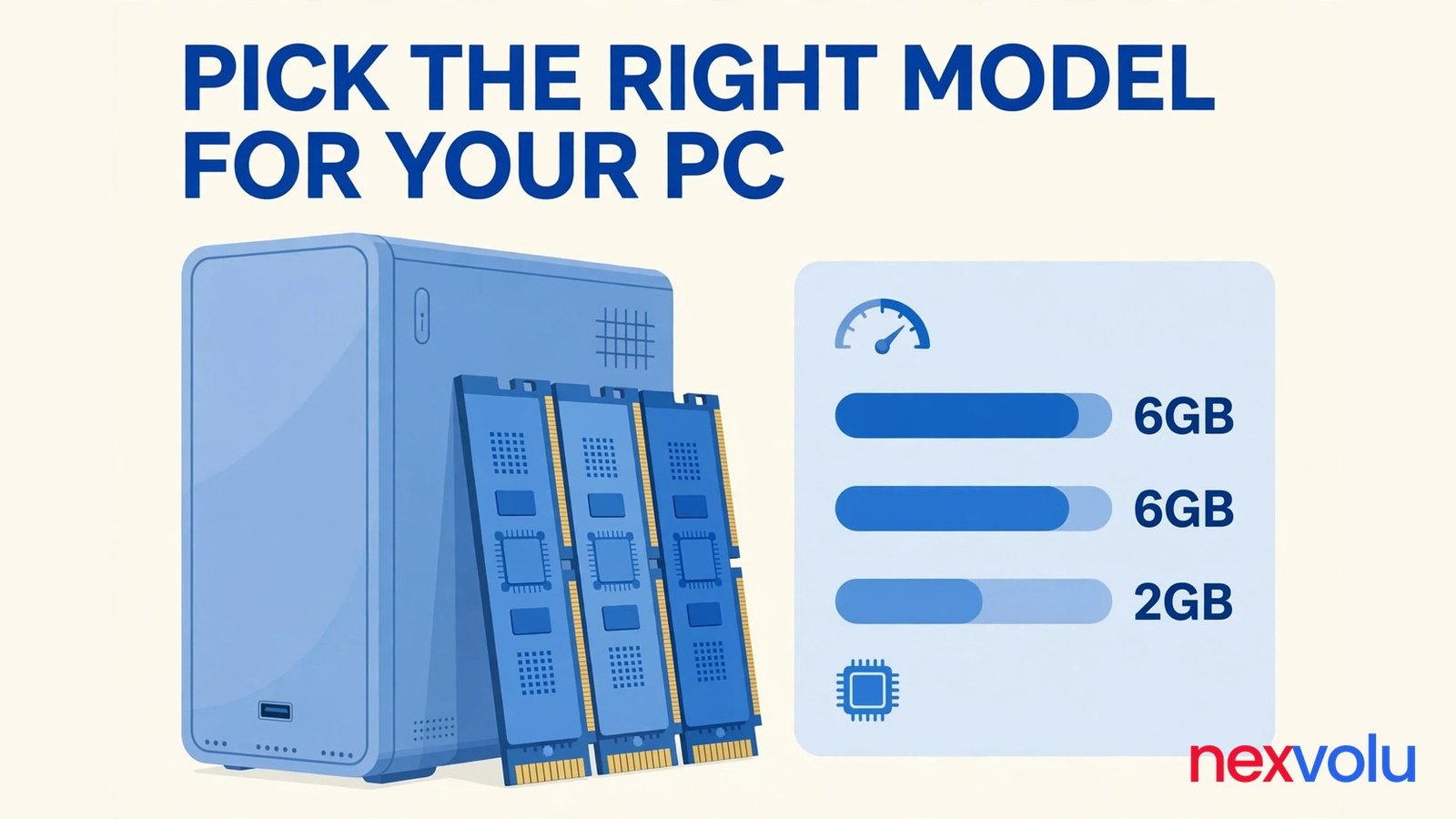
The figures below are practical estimates for the listed compressed Ollama editions, not official minimum PC specifications or measured speed guarantees. “Minimum RAM” means a plausible starting system with little else open. “Recommended RAM” leaves more room for the operating system and a responsive experience. A CPU can run these models; an appropriately sized GPU usually makes responses faster.
| Model and Ollama tag | Minimum RAM | Recommended RAM | Approx. download |
|---|---|---|---|
| Qwen 3.5 4B | 8 GB | 16 GB | 3.3 to 4.0 GB |
| Gemma 4 E4B | 12 GB | 16 GB or more | 6.6 to 9.5 GB |
| GPT OSS 20B | 16 GB | 32 GB | 12 to 14 GB |
| DeepSeek R1 7B | 8 GB | 16 GB | 4.7 GB |
| Phi 4 Mini | 8 GB | 16 GB | 2.5 GB |
| Mistral Small 3.2 24B | 24 GB | 32 to 48 GB | 15 GB |
| Granite 4 3B H | 8 GB | 16 GB | 1.9 GB |
| OLMo 3 7B Instruct | 12 GB | 16 to 24 GB | 4.5 GB |
| Qwen3 Coder 30B | 24 GB | 32 to 48 GB | 18 to 19 GB |
| Llama 3.2 3B | 8 GB | 16 GB | 2.0 GB |
For the smoothest GPU experience, aim for enough VRAM to hold the model plus overhead: around 4 to 6 GB for very small models, 8 to 12 GB for most 7B models, and 16 to 24 GB or more for larger options. CPU only usage may be slow. Long context windows raise memory demands even when the initial model fits.
Install Ollama Once on Windows
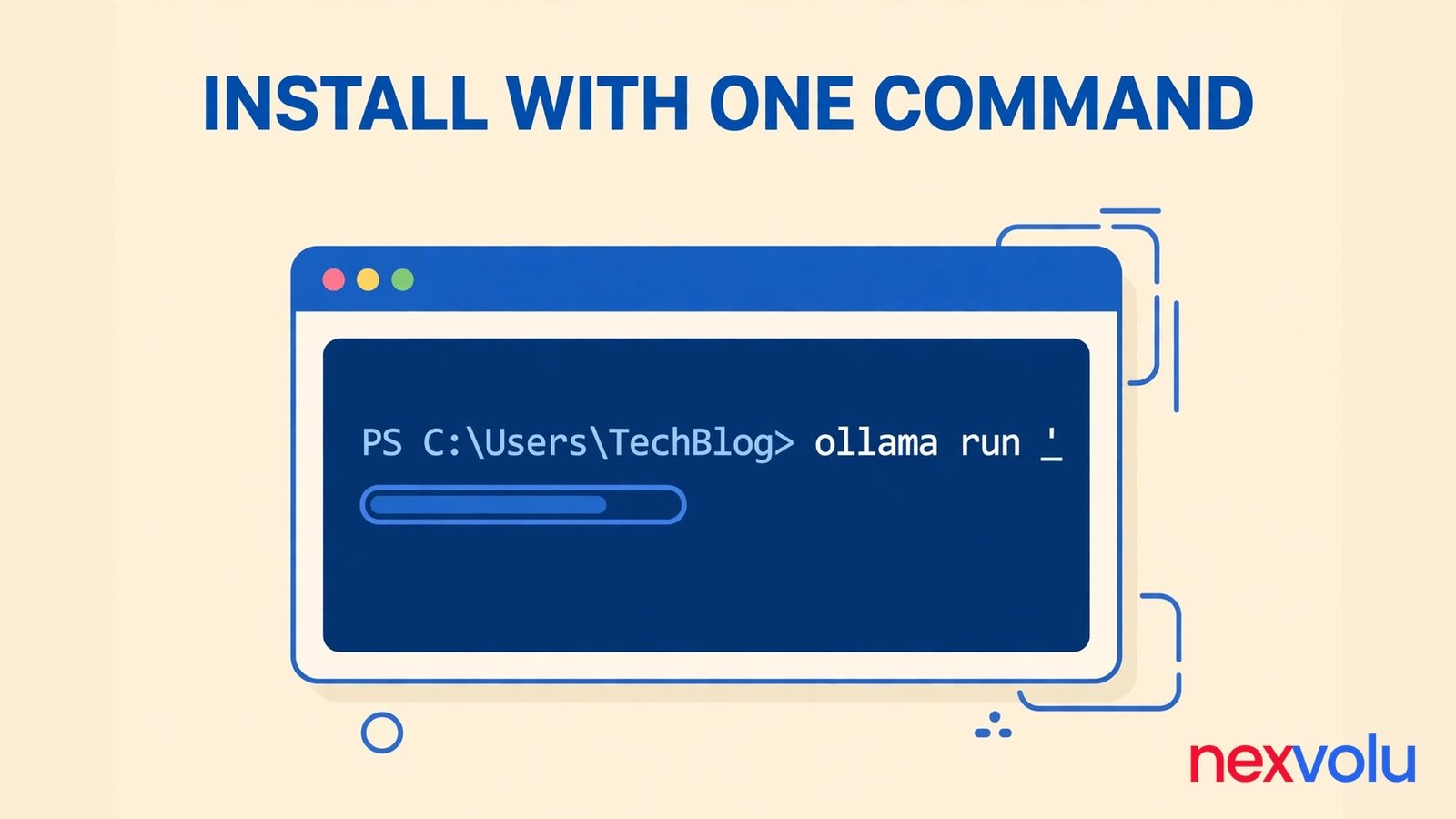
Follow these one line steps: Open PowerShell, paste the command below, confirm you trust the official script, press Enter, open a new PowerShell window, then check the installed version.
irm https://ollama.com/install.ps1 | iex
ollama --version
Prefer clicking through an installer? Use the official Windows download page. Each model command below automatically downloads the selected files the first time it runs. After the download, type your question. To exit a chat, enter /bye. To see downloaded models, run ollama list. To remove one, run ollama rm followed by its tag.
The 10 Models
1. Qwen 3.5 4B: Everyday Assistant
Best use: Choose this when you want a general purpose assistant for everyday questions, rewriting text, and multilingual requests. Its smaller 4B edition is easier to run than the default larger variant. Try asking it to rewrite a confusing email in plain English. Its strength is versatility, not specialist performance in every category. Run in PowerShell:
ollama run qwen3.5:4b
Model reference: Official Ollama page
2. Gemma 4 E4B: Understanding Images
Best use: Gemma 4 is a useful choice when a task includes visual information as well as text. Compatible applications can pass images to this model, making it interesting for describing charts, screenshots, and diagrams. The E4B tag avoids confusion with larger Gemma editions. Check image support in the interface you use; a plain terminal prompt is not the same as an image upload. Run in PowerShell:
ollama run gemma4:e4b
Model reference: Official Ollama page
3. GPT OSS 20B: Structured Reasoning
Best use: This OpenAI model suits multi stage technical questions, planning constraints, and structured problem solving. Its mixture of experts architecture activates part of its total parameters at a time. A useful experiment is to ask for an approach to a scheduling puzzle and then independently test the result. Its Apache 2.0 license may matter for developers planning redistribution. Run in PowerShell:
ollama run gpt-oss:20b
Model reference: Official Ollama page
4. DeepSeek R1 7B: Mathematics Practice
Best use: Use the smaller distilled DeepSeek R1 model when exploring algebra, logic exercises, or alternative solution methods. It can explain an attempted solution and help identify assumptions. Ask it to solve a mathematics question, then compare its output with your own working. This 7B edition is not the enormous full model, and its calculations still require verification. Run in PowerShell:
ollama run deepseek-r1:7b
Model reference: Official Ollama page
5. Phi 4 Mini: Small Laptop Companion
Best use: Microsoft Phi 4 Mini is a sensible lightweight starting point when memory is scarce. Its approximately 2.5 GB download makes it easier to try without filling a laptop drive. Use it for short explanations, extracting simple facts from a paragraph, or generating study flashcards. It trades some capability for compactness, so keep difficult tasks within realistic expectations. Run in PowerShell:
ollama run phi4-mini
Model reference: Official Ollama page
6. Mistral Small 3.2 24B: Detailed Instructions
Best use: Choose Mistral Small 3.2 when you have a stronger machine and need to follow detailed, multi constraint instructions. A useful test is converting an extensive policy document into a structured checklist while keeping the original conditions. Its larger memory footprint makes it a poor first download on an 8 GB laptop. More available RAM or suitable VRAM improves practicality. Run in PowerShell:
ollama run mistral-small3.2:24b
Model reference: Official Ollama page
7. Granite 4 3B H: Structured Business Data
Best use: IBM Granite is particularly suitable for experimenting with repeatable business tasks such as categorizing enquiries and generating simple JSON records. For example, give it five fictional support tickets and ask for a category and urgency level for each. Any automation must validate its outputs before updating business records; a compact model can misclassify unfamiliar requests. Run in PowerShell:
ollama run granite4:3b-h
Model reference: Official Ollama page
8. OLMo 3 7B Instruct: Research and Transparency
Best use: OLMo is an especially relevant choice for people studying model development itself. Ai2 publishes extensive research resources that help readers investigate how an open language model is trained and evaluated. Run the instruct edition to test normal questions while reading its accompanying technical documentation. Its main attraction is research transparency rather than being the fastest general assistant. Run in PowerShell:
ollama run olmo-3:7b-instruct
Model reference: Official Ollama page
9. Qwen3 Coder 30B: Software Projects
Best use: This coding focused model is suited to understanding functions, drafting tests, and discussing changes across code files. An effective exercise is to give it a small sample project and ask for unit tests before suggesting refactoring. A local coding assistant does not automatically read your repository; file access depends on the editor or tool integration you configure. Never apply changes without review. Run in PowerShell:
ollama run qwen3-coder:30b
Model reference: Official Ollama page
10. Llama 3.2 3B: Learning AI Development
Best use: Llama 3.2 is useful as a familiar starter model for building a simple local chatbot or learning how prompts change responses. Its wide community ecosystem makes tutorials and examples easier to find. Try a small application that asks for a question and displays the model response. Meta uses its own Llama license, so check the terms before commercial deployment. Run in PowerShell:
ollama run llama3.2:3b
Model reference: Official Ollama page
How to Choose Without Wasting Storage
If your PC has 8 GB of RAM, begin with Phi 4 Mini, Llama 3.2, or Qwen 3.5 4B. With 16 GB, consider Gemma 4, DeepSeek R1, or OLMo 3 using appropriate compressed editions. If your system has 32 GB or more, you have more flexibility to explore GPT OSS, Mistral, and Qwen3 Coder. Always check free storage space as well as RAM. Test every model with the same three prompts: one everyday question, one task specific to your work, and one task where you know the correct answer. Compare clarity, mistakes, speed, and whether it follows instructions. No model wins every workload. Do not treat these recommendations as measured benchmarks.
Frequently Asked Questions
Can I run these models without a graphics card?
Yes. Compatible Ollama models can run on a CPU, though larger ones may respond slowly.
Do the models work without the internet?
After the model files are downloaded, local inference can work offline. Cloud integrations still require a connection.
Does running AI locally guarantee privacy?
Not automatically. Review application telemetry, plugins, file permissions, and any connected services.
Are all ten models fully open source?
No. Several are open weight and use different licenses. Check each model license before commercial use.
What if the Ollama command fails?
Check spelling, free disk space, RAM, and the current model tag on its official Ollama page.
Final Verdict
The best open source LLMs are the ones that fit your PC and your goals. Choose Phi 4 Mini for an easy first test, Qwen 3.5 for a flexible general assistant, Gemma 4 for image related experiments, and Qwen3 Coder for programming on stronger hardware. Start small, verify important outputs, and upgrade only when a larger model solves a problem you actually have.
Related reading
- Perplexity vs ChatGPT vs Google AI Mode: Which AI Search Gives the Best Answers?
- Claude vs ChatGPT for Business Writing: Which One Writes More Like a Human?
Sources
- Ollama model library: model names, selected tags, and installation commands were checked against the library and its individual model listings linked in this article.
- Ollama for Windows: the Windows setup command was checked against Ollama for Windows.
Research and publishing reference: TechXLeap
Author Bio
TechXLeap publishes accessible guides to AI, software, cybersecurity, and emerging technology. Read practical technology coverage on TechXLeap or see the Write for Us guidelines for contributing an article.