


Is ChatGPT Plus worth it, or would another AI subscription serve you better? The answer depends less on which model is newest than on whether a paid plan solves a recurring problem. If free tools already handle your tasks without meaningful interruptions, keep your money.
If you regularly need more capacity or a specific paid feature, ChatGPT Plus is a sensible starting point for varied work. Google AI Pro deserves a closer look if you use Google’s apps and storage. Claude Pro is worth considering for sustained document work or Claude Code. None is an automatic winner for everyone.
This comparison uses provider documentation checked November 6, 2026. It does not claim hands-on testing. Prices below are US monthly figures unless stated otherwise; local pricing, tax, availability, and app-store billing can differ.
Table of contents
- AI subscription prices at a glance
- Is ChatGPT Plus worth it if free AI meets your needs?
- Is ChatGPT Plus worth it for your work?
- Is ChatGPT Plus worth it compared with Google AI Pro?
- Is ChatGPT Plus worth it, or should you choose Claude Pro?
- Is ChatGPT Plus worth it? Calculate your upgrade value
- Is ChatGPT Plus worth it? Try the two-week test
- Limits, privacy, and extra charges
- Your subscription decision checklist
- Frequently asked questions
- Nexvolu’s verdict
AI subscription prices at a glance
This table compares selected individual AI subscriptions that are relevant to people deciding whether to upgrade from free or lower-cost plans. It is not an exhaustive comparison of every premium, business, or enterprise offering. Prices are US monthly figures checked on November 6, 2026, before applicable taxes unless stated otherwise. The ChatGPT Go amount is its announced launch price, not a verified current checkout price. Local prices, eligibility, features, and app-store billing may differ. Always check your own checkout before subscribing.
Compare individual AI subscription prices
Selected individual AI subscription plans and US monthly prices, checked November 6, 2026.
| Plan | US monthly price | Why consider it | Important catch |
|---|---|---|---|
| Free ChatGPT, Gemini, or Claude | $0 | Test routine tasks before paying. | Features and usage allowances vary by provider. Limits apply. |
| ChatGPT Go | $8 at US launch in January 2026 | More everyday access than Free. | Verify the current checkout price. Ads may appear for eligible users in select regions. API usage is separate. |
| ChatGPT Plus | $20 | Advanced reasoning, expanded tools, and higher usage allowances. | Usage caps apply. API usage is billed separately. |
| ChatGPT Pro | $100, $200, or $500 | Higher-capacity tiers for demanding users. | Allowances differ by tier. Pro 500 includes Ultrafast access; usage limits still apply. |
| Google AI Plus | $4.99/month with 400 GB on Google’s Gemini page; $9.99/month with 2 TB on Google One’s plans page. | Lower-cost Gemini access bundled with Google storage and apps. | Official US pages show different price and storage configurations. Check the exact offer available to your account. |
| Google AI Pro | $19.99 | Higher Gemini access, Google apps, and 5 TB of storage. | Availability, eligibility, and included benefits vary by account and region. |
| Claude Pro | $20 monthly | More Claude usage and Claude Code access. | Five-hour and weekly usage limits apply. Additional usage credits and API usage are billed separately. |
Understand the price differences
OpenAI’s January 16, 2026 launch announcement listed ChatGPT Go at $8 per month in the US. Treat this as its announced launch price, not a guarantee that every current account or billing route still shows the same checkout amount. OpenAI’s current Go help page explains that subscription prices may change, so check your account before subscribing. Ads may appear for eligible Go users in select regions, while Plus and Pro accounts remain ad-free.
Google’s current US pages show two Google AI Plus configurations: the Gemini subscriptions page lists $4.99 per month with 400 GB of storage, while the Google One plans page lists $9.99 per month with 2 TB. These are different displayed offers, not one universal price. Check the exact configuration available to your account. Google AI Pro is separately listed at $19.99 per month with 5 TB of storage. Anthropic lists Claude Pro at $20 per month in the US, with discounted annual billing also available.
Is ChatGPT Plus worth it if free AI meets your needs?
A subscription is not a prerequisite for useful AI. Free plans can be enough for brainstorming, occasional explanations, short drafts, and other tasks where you can wait for a limit to reset. Features change, so check each provider’s current free offering rather than assuming every free account works alike.
Stay free if you use a chatbot only occasionally, rarely hit a limit, or cannot identify a paid feature you need. Also stay free if your employer already supplies an approved tool that covers the work. Paying personally for the same capability can add a bill without adding useful access.
There is another reason to wait: the output still needs review. A paid answer can be wrong, even when it sounds confident. Our guide to how to fact-check AI answers explains how to verify the claims and sources that matter.
Is ChatGPT Plus worth it for your work?
ChatGPT Plus is worth considering when you repeatedly reach Free or Go limits, or when an included tool supports work you actually do. OpenAI lists advanced reasoning access, higher limits, and expanded features including file analysis, image generation, voice, and Deep Research where available. The Plus documentation also says usage caps can vary.
For example, a freelancer who works with documents, drafts client-safe copy, and researches several times a week may value having those tasks in one workspace. A reader who asks a handful of casual questions each month may not. So, is ChatGPT Plus worth it? The answer depends on the repeated workload, not the job title.
Is ChatGPT Plus worth it compared with Go and Pro?
Go targets people who want more everyday usage at a lower price. OpenAI describes more access to uploads, images, and other tools than Free. Start here if free access is restrictive but you do not need Plus’s particular capabilities.
Plus is the next step when advanced reasoning, expanded Deep Research, or higher allowances justify the extra cost. At the announced $8 Go price, the difference from $20 Plus is $12 per month. That comparison is illustrative until you confirm your current Go checkout price.
Pro is a different spending decision. At $100, $200, or $500 per month, the monthly premium over Plus is $80, $180, or $480 respectively. Consider it only if a specific Pro capability or allowance supports enough valuable work to justify that gap. OpenAI says usage depends on the task and model, and some limits still apply.
Do not buy a plan merely because a feature list mentions custom GPTs. OpenAI’s migration FAQ describes their planned retirement and exceptions. Check the current status before depending on that workflow.
Is ChatGPT Plus worth it compared with Google AI Pro?
Google AI Pro costs $19.99 a month on the Google One plans page. Google lists 5 TB of storage across Gmail, Drive, and Photos, higher Gemini access, and Gemini in selected Google apps. Some bundled services and features depend on eligibility and region.
The comparison is not simply $19.99 versus $20. Ask whether you already pay for Google storage or another eligible service that the Pro plan would genuinely replace. If you do, count only the cost you can actually eliminate. If you do not need additional storage or Google app integrations, do not treat their advertised value as money saved.
ChatGPT Plus focuses on access to ChatGPT’s advanced reasoning and productivity tools. Google AI Pro combines Gemini access with Google ecosystem benefits, including 5 TB of storage. These are different value propositions, not evidence that one AI model is universally better than the other.
For a Google-centered household or individual, the bundle can make AI access more attractive. On the other hand, someone who stores files elsewhere may prefer the tools in ChatGPT Plus. Neither conclusion establishes which model gives better answers; compare your own tasks and account terms.
Also distinguish an individual Google plan from an employer-managed account. A personal subscription does not automatically supply the controls or permissions required for company documents.
Is ChatGPT Plus worth it, or should you choose Claude Pro?
Claude Pro is a reasonable shortlist for people who already prefer working in Claude and need more capacity for documents, analysis, or code. Anthropic lists Claude Code among its Pro benefits. Its Pro help page states that the US monthly price is $20 and that an annual option is available.
The catch is capacity. Claude Pro has a five-hour session limit and a weekly limit, and usage varies with conversation length, attachments, model, and features. Additional usage credits may cost extra. Therefore, a paid plan is not a promise of uninterrupted access.
Use a monthly subscription first if you are still testing your routine. Consider annual billing only when you understand your usage and the current annual charge. Claude’s chat subscription does not include Claude API usage, which is billed separately.
For a closer look at organizing recurring work, see our comparison of ChatGPT Projects, Gemini Gems, and Claude Projects. These features have different workflows and may change independently of subscription prices.
Is ChatGPT Plus worth it? Calculate your upgrade value
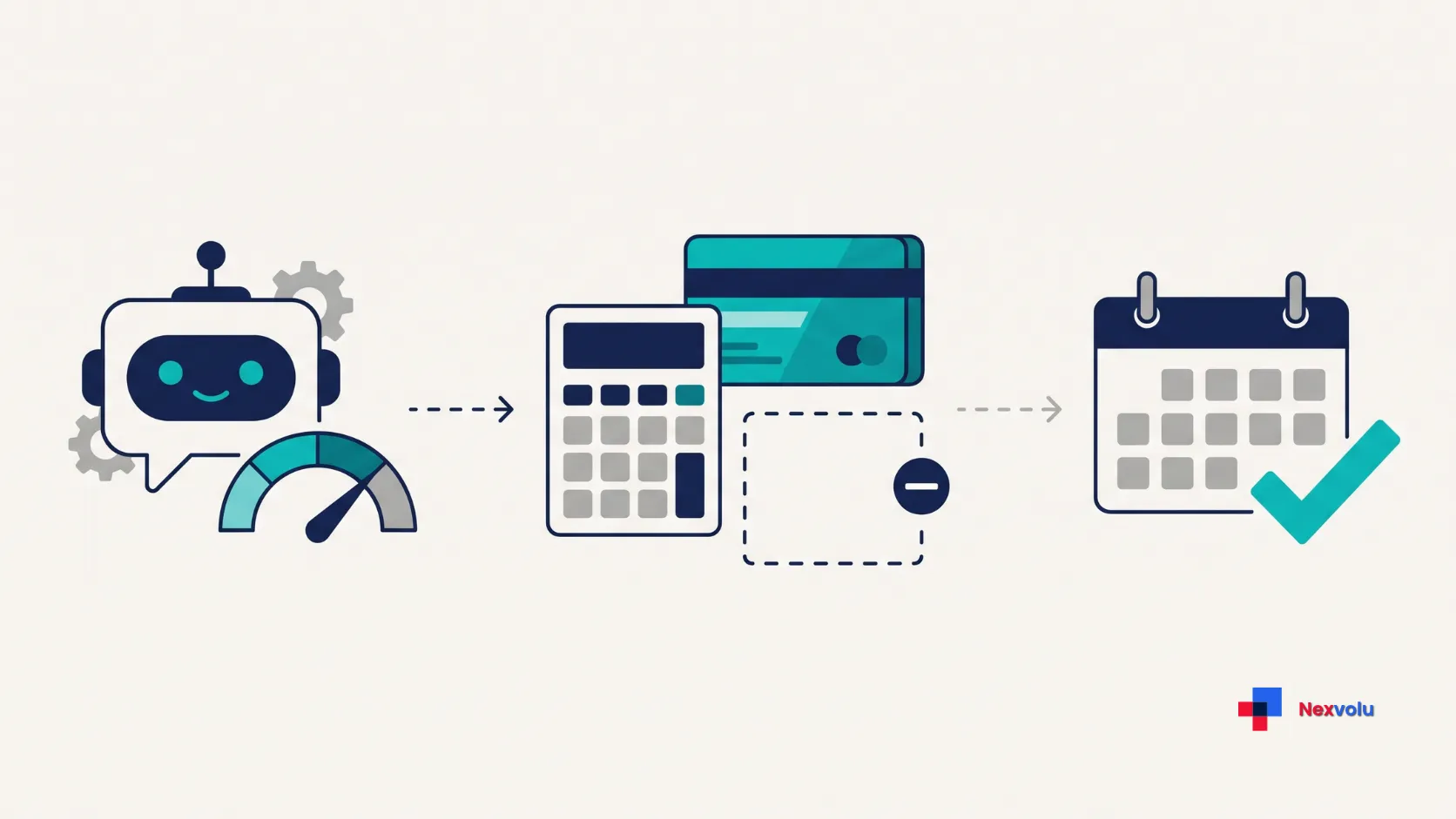
Use this simple equation for a monthly decision:
Net monthly cost = new subscription price − costs you can genuinely stop paying.
Is ChatGPT Plus worth it financially? Compare that net cost with the value of your realistic time savings. Count only time saved after checking and correcting the output. If the plan replaces nothing, subtract zero.
Example 1: A storage bundle
Suppose you already pay $9.99 a month for storage and can cancel that plan without losing anything you need. A $19.99 AI bundle would then add $10 per month, before tax. If you would keep the old plan anyway, the extra cost is the full $19.99. These figures are illustrative, not a claim about your current bill or Google’s migration terms.
Example 2: A paid productivity upgrade
Suppose Plus costs $20 a month and replaces no existing subscription. At an illustrative value of $30 per hour, it must save 40 minutes per month to break even: $20 ÷ $30 × 60. At $15 per hour, the threshold is 80 minutes. This is a personal decision aid, not a guarantee of earnings or time saved.
If you are moving from Go at the launch price of $8 to Plus at $20, compare the $12 difference, not the entire $20 again. At $30 per hour, that incremental upgrade needs to save 24 minutes monthly, assuming there are no other changes or costs.
Is ChatGPT Plus worth it? Try the two-week test
Is ChatGPT Plus worth it for your routine? A plan is easier to evaluate against real work than against a feature checklist. Try this process before committing to a second subscription.
Week one: Record the free-plan friction
Choose three recurring tasks. For instance, draft a safe, fictional client email; summarize a public report; and brainstorm a project plan. Record how often you use each task, how long the final result takes, and whether a limit or missing feature blocks you. Avoid sensitive information during the test.
Make a note of work you would not otherwise do. Generating more text is not automatically a time saving. Also record the time spent checking claims, fixing errors, and moving output between apps.
Week two: Compare the paid workflow
If a free or lower-cost plan repeatedly blocks a task, start one relevant paid subscription for a single monthly billing period if the cost fits your budget. You can also use a genuine free trial if the provider offers one. During the second week, run comparable tasks with similar source material and instructions. Check the finished work for accuracy, usefulness, and the time spent correcting it.
Keep the comparison focused on your own recurring workload. The purpose is to decide whether the subscription helps you, not to produce a universal ranking of AI models.
This is a suggested personal test, not a test Nexvolu performed. Usage limits, account access, and model updates can affect the result. You are comparing your own workflow, not producing a universal model ranking.
Is ChatGPT Plus worth it before renewal?
Keep the plan if the recurring benefit exceeds the real cost and you can explain why. Otherwise, downgrade or cancel through the platform where you subscribed. Set a reminder before renewal, and check the applicable cancellation and refund terms. Canceling is not the same as an automatic refund.
If a second subscription has a genuinely different job, test it separately. For example, a developer might need a distinct coding workflow that the first service does not provide. However, an occasional second opinion may not justify another recurring bill.
Limits, privacy, and extra charges
More access is not unlimited access
Plan descriptions often say “more” or “expanded” rather than promise a fixed number of completed tasks. A long file, a complex conversation, and a simple question can consume allowances differently. Check your account’s usage display and reset times, especially if you face a deadline.
A personal plan is not workplace approval
Before uploading client material or confidential documents, confirm your employer’s rules and account requirements. Provider privacy terms, retention rules, training settings, and administrator access vary. Our guide to using AI at work explains why the account matters as much as the tool.
For personal ChatGPT accounts, OpenAI says conversations may be used to improve its models, but users can opt out through Data Controls. Available controls depend on the plan and workspace. OpenAI says content from Business, Enterprise, Edu, and ChatGPT for Healthcare workspaces is not used to train its models by default. Special programs and feedback may have different rules.
Turning off model improvement does not automatically give you permission to upload restricted information or guarantee zero data retention. Always check your provider’s current privacy terms and your employer’s policies before uploading confidential material.
Check the cost outside the chat app
ChatGPT Plus and Claude Pro are consumer subscriptions; their ordinary API usage is billed separately. Credits or extra usage can also create additional charges where offered. Before enabling a top-up, read the pricing and spending controls for that specific feature.
Finally, compare the amount at checkout in your own currency. US list prices do not establish what a reader in the UK, Canada, or Australia will pay after local pricing and taxes.
Your subscription decision checklist
- [ ] Name the task that the free or lower-cost plan does not handle well enough.
- [ ] Confirm that the problem happens often enough to matter, not just once.
- [ ] Check the current price, local tax, billing interval, and renewal terms.
- [ ] Count only existing costs the new plan will actually replace.
- [ ] Include time spent reviewing and correcting the output.
- [ ] Review usage limits, possible extra charges, and API billing.
- [ ] Confirm that the account and data are appropriate for the work.
- [ ] Set a reminder to review the subscription before renewal.
Frequently asked questions
Is ChatGPT Plus worth it for occasional use?
Usually, start with Free. Consider Go or Plus only if you repeatedly hit an allowance or need a specific paid feature. A subscription is not necessary just to try an AI assistant.
Does paying for AI guarantee accurate answers?
No. Paid plans can provide different tools or greater access, but important facts still need independent verification. Open the cited source and check that it supports the claim.
Should I pay for more than one AI subscription?
Start with one if it meets your needs. A second can make sense for a distinct recurring task, but compare its incremental cost with the benefit. Free access to another service may be sufficient for occasional use.
Do ChatGPT Plus and Claude Pro include API use?
Their standard consumer subscriptions do not include ordinary API usage. Check each provider’s separate API pricing and billing before building an app or automation.
Nexvolu’s verdict
Ultimately, is ChatGPT Plus worth it? The best AI subscription removes a real, recurring obstacle at a price you can justify. Stay free when free works. Consider Go for more everyday ChatGPT access, Plus for a broader paid workflow, Google AI Pro when its bundle replaces spending you would make anyway, and Claude Pro when its tools fit your document or coding work. Reserve expensive tiers for a clearly demonstrated need.
Check current terms before subscribing, and review the decision before the next renewal. A useful subscription should earn its place in your budget, not just look impressive on a pricing page.


Terrific analysis. This comparison really highlights how rapidly LLMs are commoditizing. As the performance vectors start to plateau across the top-tier models, the true differentiator is going to be how seamlessly these models handle multi-modal inputs and agentic workflows PLUS price comparison is way more better than any other.
Excellent comparison. From a practical implementation standpoint, the raw benchmarks only tell half the story. Factors like API stability, rate limits, and cost-per-token usually dictate which LLM wins in production. Would love to see a follow-up article tracking their latency and cost efficiencies under heavy workloads!